Der erste Clip im Video-KI-Videogenerator soll den Shot beweisen, nicht einen Batch leeren.
Ein Prompt, ein Modell, ein Generate — dann entscheiden, ob Image-to-Video der nächste Spend ist.
Was ist Text-to-Video auf Video?
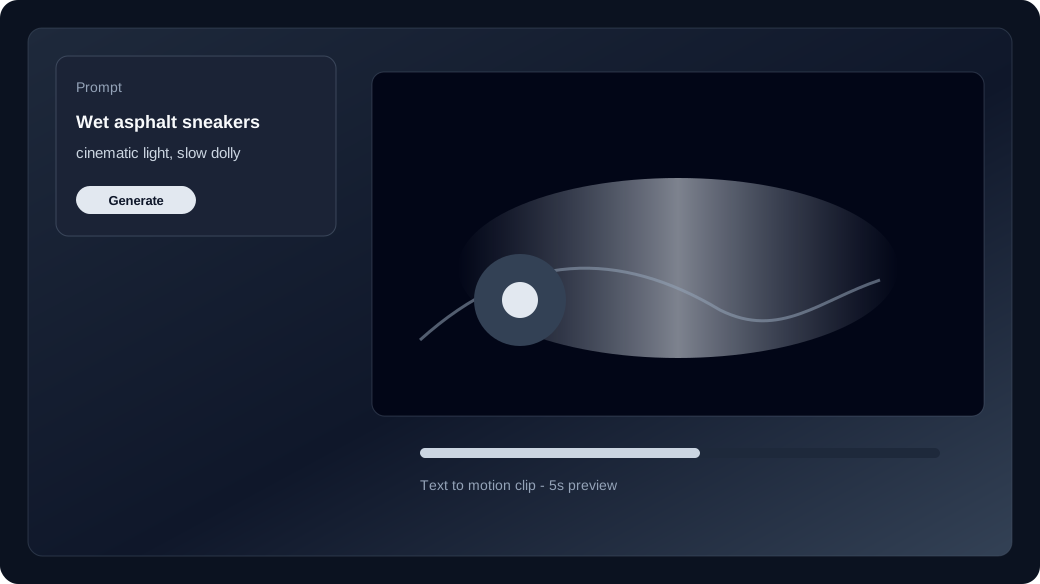
Text-to-Video macht aus einem Prompt einen kurzen Clip ohne Still.
Studio ohne Media öffnen = Text-to-Video. Subjekt, Aktion, Kamera und Avoids nennen, dann generieren.
Wann zu Image-to-Video wechseln?
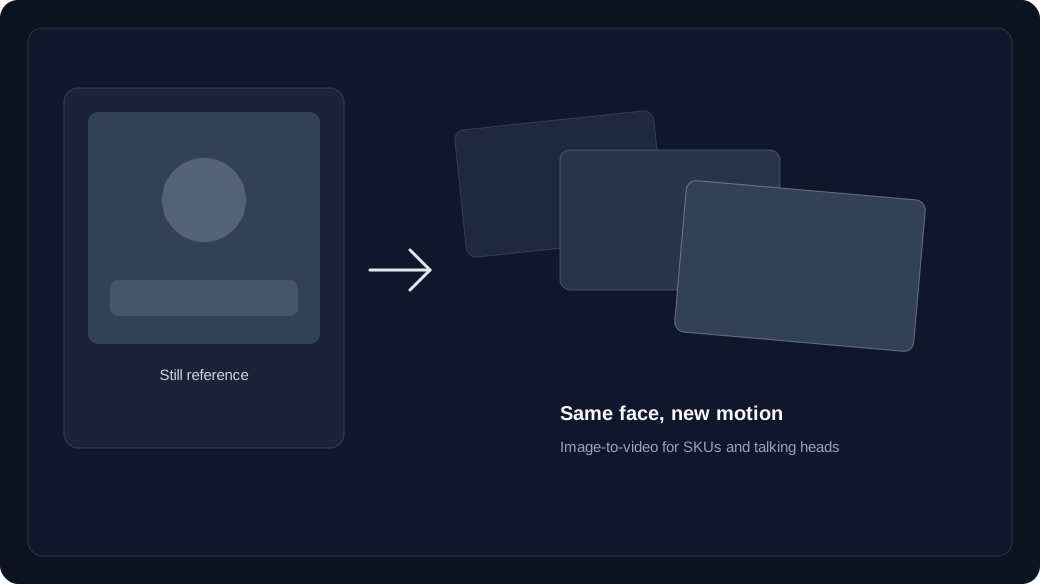
Wechseln Sie zu Image-to-Video, wenn Gesicht, Garderobe oder SKU konsistent bleiben müssen.
Text-to-Video erfindet den Frame. Image-to-Video startet vom Upload, damit Identität hält. Manche Modelle akzeptieren auch einen Endframe.
- Text to video: hooks, B-roll, and concept drafts with no source still.
- Image to video: brand faces, products, and wardrobe that must match a keyframe.
- Failed jobs refund credits to your unexpired batches.
Wie funktionieren Credits beim ersten Generate?
Jedes Modell hat eigene Text-to-Video- und Image-to-Video-Preise, abgezogen von unabgelaufenen Batches.
Prüfen Sie den Live-Preis im Studio vor Generate. Käufe, Grants und Check-in liegen in Batches; Fehlschläge werden erstattet.
How do you run the first studio session?
Lock model and duration first, generate one clip, then Recreate instead of rewriting the whole prompt.
Open /app, keep the media slots empty for text to video, generate once, and only then upload a still if identity slipped.
Start in text to video or image to video, compare families on the model guide, then check pricing and how credits work before a long run.