Sur le générateur vidéo IA Video, un still n’est pas une déco — c’est l’interrupteur qui passe le job en image-to-video.
Frame de début obligatoire ; frame de fin seulement si les options du modèle le disent.
Quand un still bat-il un autre prompt text-to-video ?
Use image to video when a face, SKU, or wardrobe must survive the clip; keep text to video for concept drafts with no identity lock.
Yesterday’s blank-canvas path is text to video: no media, one prompt. If the next take must match a catalog photo, open the same AI video generator studio, drop a start still, and the job becomes image to video automatically.
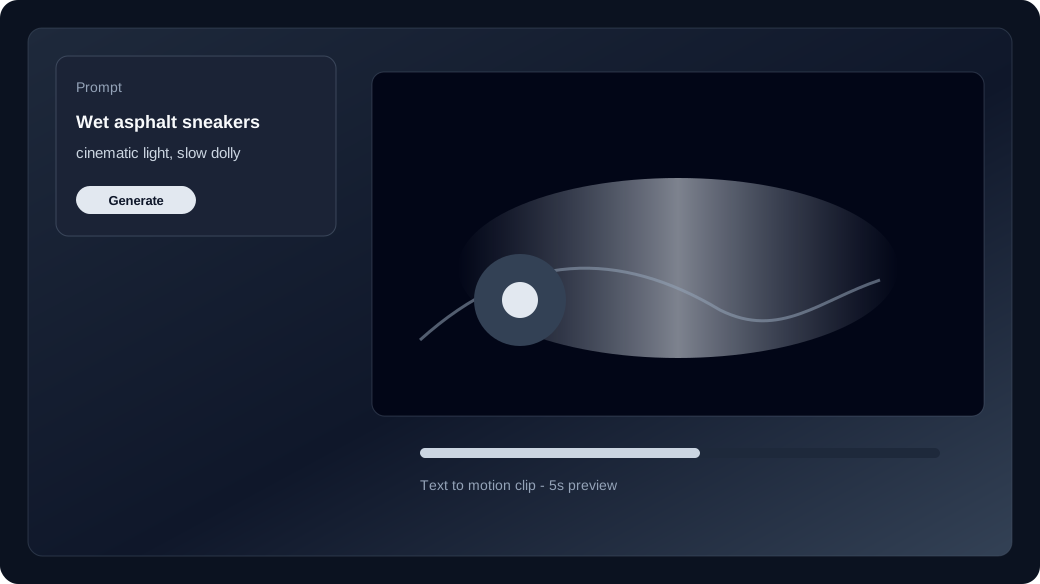
Que contrôle vraiment la frame de début ?
The start frame is required for image to video: it locks identity, framing, and product edges before motion is sampled.
Pick a clean still — readable edges, consistent wardrobe, no tiny on-screen type you expect the model to invent. Describe one primary move (push-in, head turn, fabric sway). The AI video generator then spends the image to video credit on motion instead of reinventing the subject.
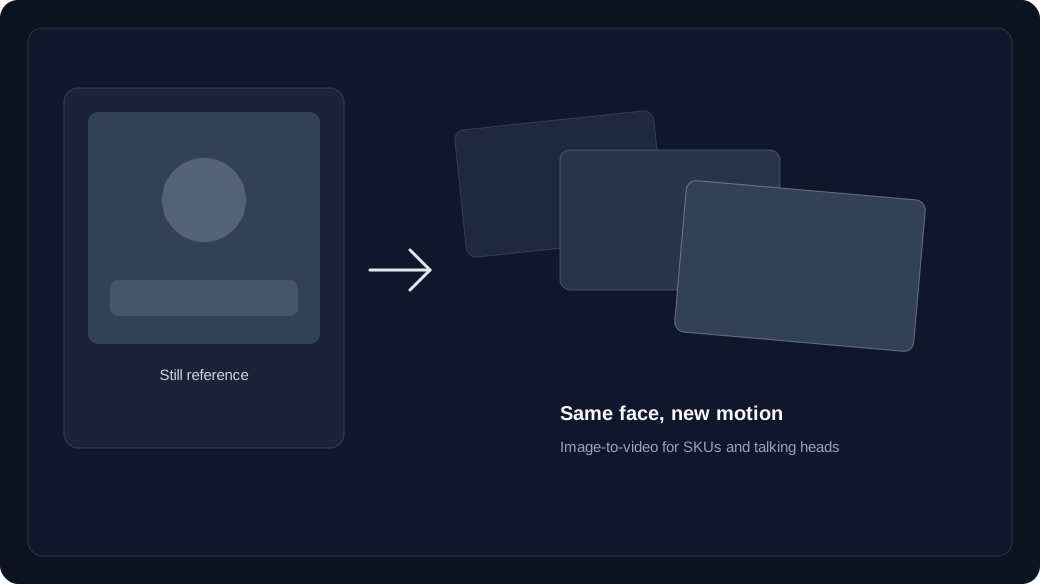
- Start frame: always required once you attach media.
- Prompt: motion and camera, not a second biography of the product.
- Failed jobs refund credits to unexpired batches — check the live price before Generate.
When should you add an end frame?
Add an end frame only when that model’s options list an end slot; Wan 2.6 and Veo do not use a last frame the same way Kling, Seedance, and Wan 2.7+ can.
The studio shows the second slot when the selected model supports an end frame. Use it to land a pose or pack-shot finish. If the slot is hidden, that family has no last-frame path — do not hunt for a hidden upload. Dual frames sit side by side; swap them if you staged the stills in the wrong order.
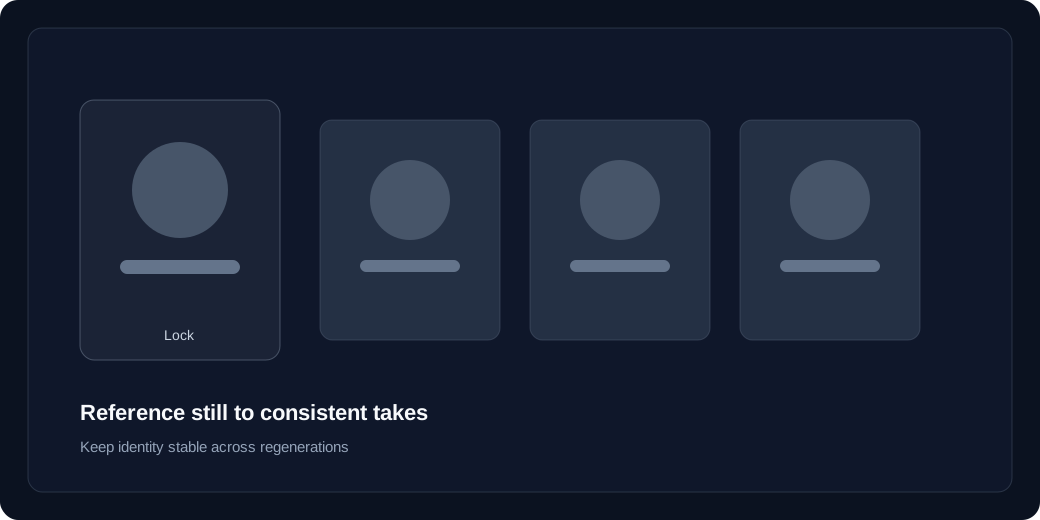
How do you spend one credit on a controlled finish?
Lock model, duration, and ratio first, generate once, then Recreate — do not bounce back to a fresh text to video prompt if identity was already close.
Compare families on the model guide if you are unsure which row exposes an end frame. Confirm the image to video price in the studio, then check pricing before a batch. Overlay tiny packaging copy in post if readability matters more than in-camera text.