Near-miss в ИИ-генераторе Video дешевле чинить Recreate, чем пустым промптом, который возвращает все ошибки.
Сначала история. Одно изменение. Одна генерация. Затем решите, нужен ли image-to-video дальше.
Когда клип — near-miss, а не рестарт?
If subject, scene, and model feel right but one detail is wrong—speed, gaze, or avoid-list leak—treat it as a near-miss and Recreate.
Open the studio history on the AI video generator. A near-miss still has a usable skeleton: the same text to video prompt shape or the same start still for image to video. A restart is for when the subject is wrong, the model family cannot hold the move, or you need a different aspect ratio from the first frame.
- Near-miss: one wrong verb, one avoid leak, or one timing issue.
- Restart: wrong subject, wrong family, or a ratio you cannot salvage.
- Never paste a longer prompt that re-lists every camera idea you already rejected.
Как Recreate без полной переписки промпта?
Keep the model and duration. Change one clause—camera verb, action, or avoid list—then generate once.
From the history card, Recreate loads the prior job into the AI video generator. Leave media slots alone if you were already in image to video. For text to video, edit a single phrase: swap “slow push-in” for “hold,” or add “no on-screen text.” Do not invent a second location in the same pass. Compare families on the model guide only if the move itself never lands.
When should the next credit go to image to video?
If Recreate keeps drifting the face or SKU, upload a locked still and spend image to video—do not burn another text to video paragraph.
Identity drift after two Recreates is a signal, not a writing problem. Drop the still so the studio switches to image to video, and keep the prompt about motion only. Series work that must match a person across takes belongs with character consistency, not with longer text to video copy.
How do you budget the next generate?
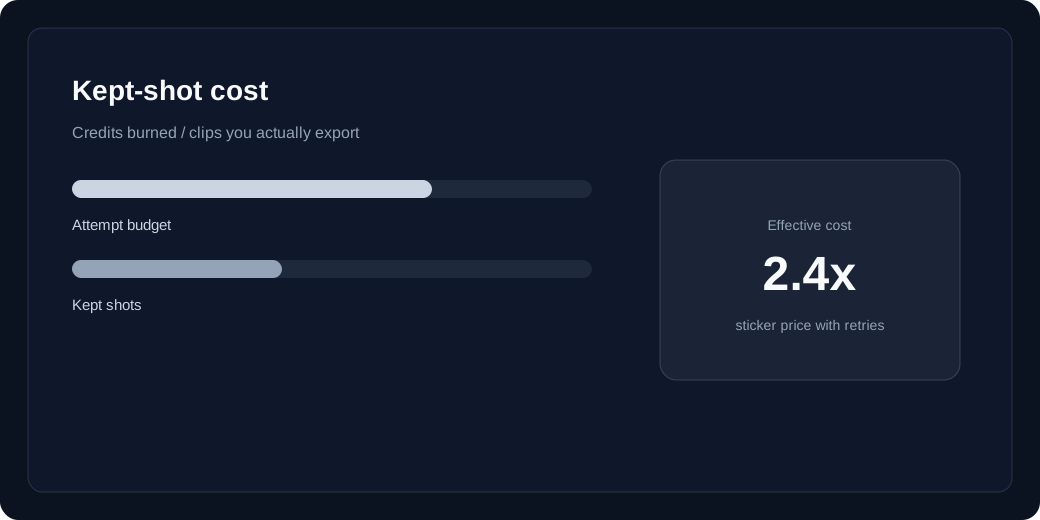
Check the live text to video or image to video price on the selected row, Recreate once, then open pricing before you raise duration.
Failed jobs refund unexpired batches. A Recreate still spends a full credit for that model’s mode. Confirm the row price in the studio, then read pricing and kept-shot cost if you are about to lengthen the clip or jump resolution. One controlled Recreate usually beats three fresh prompts.