On the Video AI video generator, ratio and duration are not polish—they decide whether the next credit can ship to the feed you actually need.
Lock the frame. Lock the length. Then write the prompt or attach the still.
Why lock ratio before the text to video prompt?
Aspect ratio changes composition. Writing the prompt first and picking 9:16 later spends a credit on a frame you will crop away.
Open the AI video generator studio and set ratio from the model’s whitelist before you draft. A vertical story needs headroom and a single primary move; a 16:9 hero can hold a wider set. Switching ratio after a good text to video take usually means another generate, not a free crop that keeps the same identity.
- 9:16: one subject, one action, room above the head.
- 16:9: wider scene, still one camera verb.
- 1:1: product and face closer; avoid tiny on-screen type.
How long should the first clip be?
Start with the shortest duration that can finish your one move—then Recreate longer only if pacing is the problem.
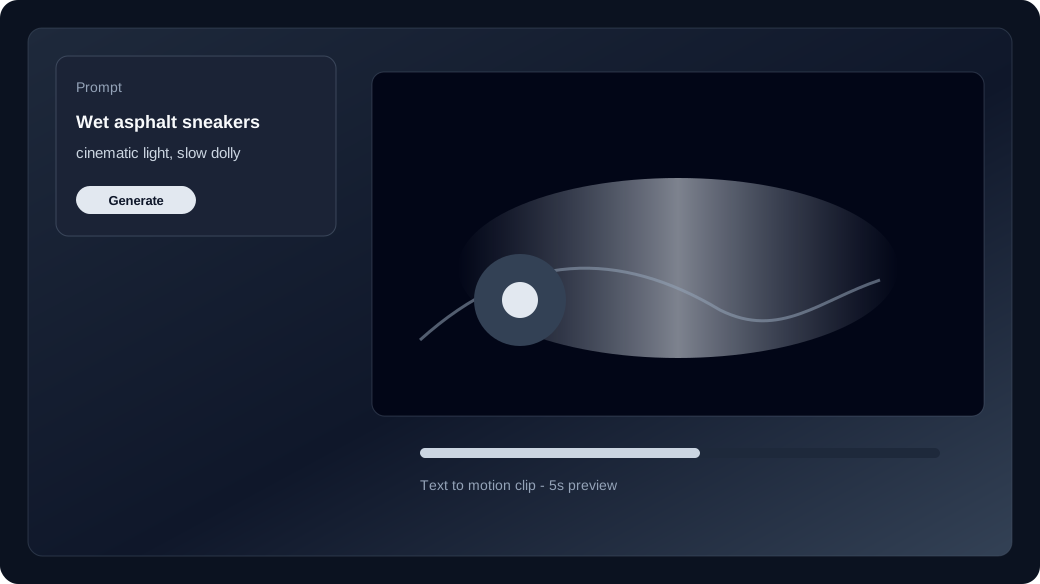
A five-second text to video clip can hold a turn or a slow push-in. It cannot finish a crane, an orbit, and a second location. Lock duration with the same discipline as ratio. If the motion lands but feels rushed, Recreate with a longer whitelist option instead of stuffing more verbs into the prompt. Compare families on the model guide when a row refuses the duration you need.
Does image to video follow the same order?
Yes—set ratio and duration first, then attach the start still so image to video spends the credit on motion inside the frame you already chose.
Uploading media switches the studio to image to video, but it does not forgive a wrong canvas. Match the still’s crop to the target feed when you can. Keep the prompt about motion and camera; do not re-narrate the catalog photo. Series work that must keep a face across takes belongs with character consistency after the format is locked.
How do credits relate to format choices?
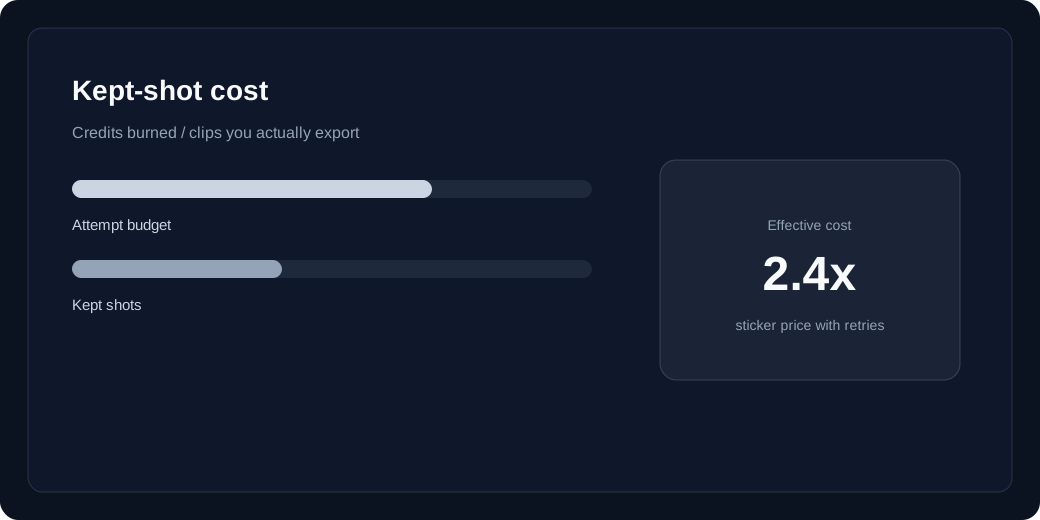
Each model prices text to video and image to video separately. Raising duration or resolution after a failed crop doubles spend—check the live row price first.
Confirm the selected mode’s credit cost in the studio before Generate. Failed jobs refund unexpired batches; a wrong-ratio keep does not. Read pricing and kept-shot cost before you jump duration or resolution on a second try. One format-correct first take usually beats two pretty clips that cannot ship.