On the Video AI video generator, what you forbid is as important as what you describe—especially when the model likes to invent type and extras.
Subject. Action. Camera. Avoid. Then generate once.
What belongs in an avoid list?
Forbid on-screen text, watermarks, extra faces, a second location, and any prop you do not want the model to invent.
Keep the avoid list short and concrete. “No text on screen, no logo, no second person, single kitchen only” works for text to video. Vague bans like “no bad quality” waste tokens. Write the avoid lines after the subject and one camera verb, not instead of them.
- No on-screen captions, titles, or subtitles.
- No logos or brand marks the still did not already show.
- No extra faces or a cut to a second room.
- No tiny packaging copy you expect to read in-camera.
How does an avoid list change text to video prompts?
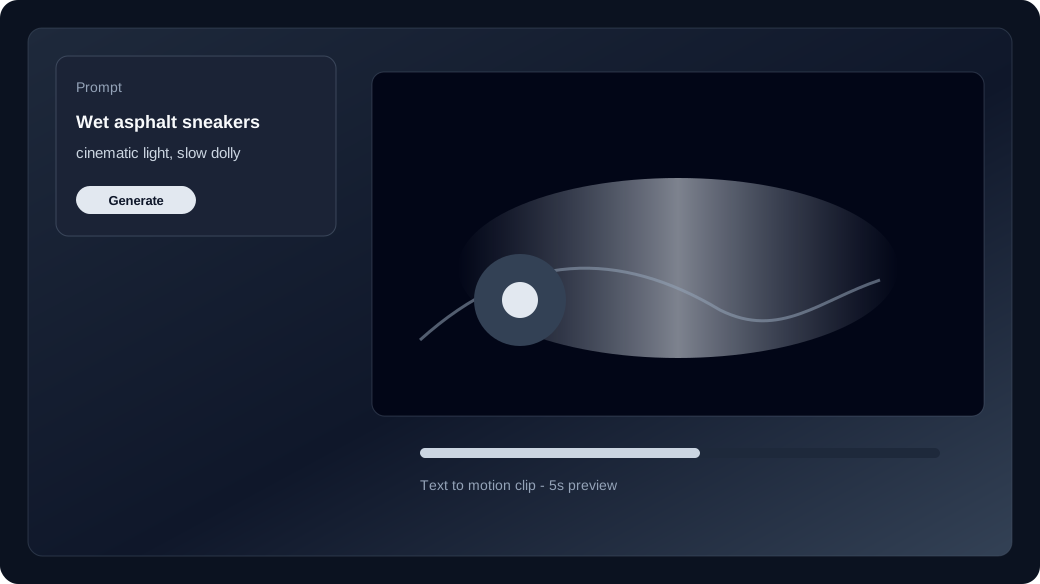
Text to video invents the frame—so forbid the clutter the model tends to add, then keep one primary move.
A clean text to video line names who, what happens, and how the camera moves. The avoid list stops the AI video generator from filling empty walls with posters or inventing a phone UI. If the first take still leaks type, Recreate and tighten the avoid clause—do not add three new camera ideas. Compare families on the model guide only if text keeps returning on every row.
Does image to video still need an avoid list?
Yes—especially for motion that must not invent new labels, hands holding new phones, or a wardrobe change the still never showed.
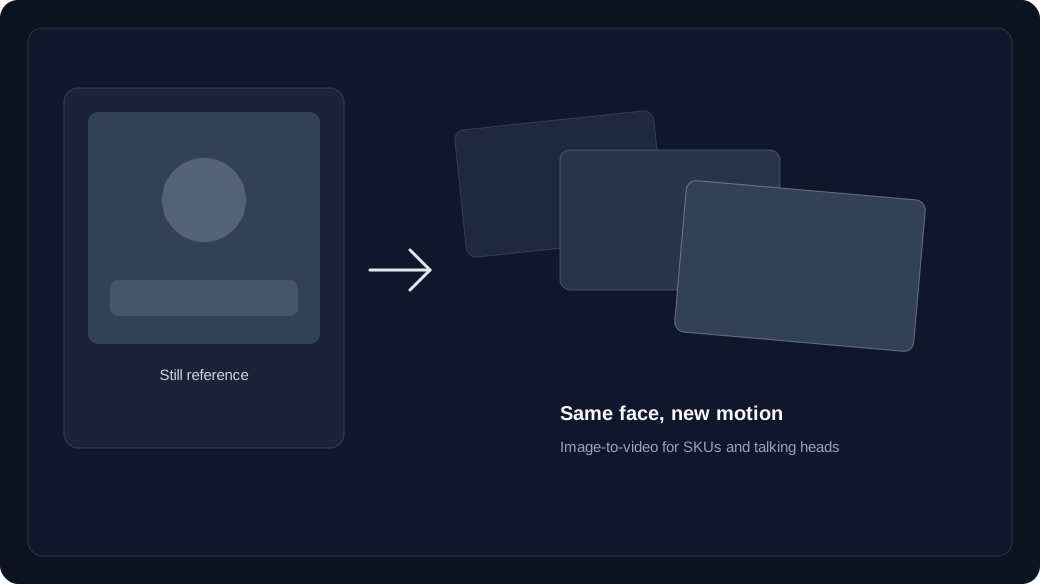
Uploading a start still switches the studio to image to video, but motion can still invent extras. Keep the prompt about camera and action; put packaging text and “no new logos” in the avoid list. Overlay readable copy in post if the SKU must stay sharp. Series identity still follows character consistency after the avoid list is locked.
How do you spend the next credit after an avoid leak?
Recreate with one stronger avoid line. Check the live text to video or image to video price before you raise duration.
Failed jobs refund unexpired batches; a keep full of invented captions does not. Confirm the row price in the studio, then open pricing and kept-shot cost if you are about to lengthen the clip. One avoid-list fix usually beats a fresh paragraph that forgets the ban.