On the Video AI video generator, the model row decides what your prompt or still can do—and what the next credit will cost.
Catalog first. Mode second. Prompt or still third. Generate once.
What should you read on the live model row?
Check text to video vs image to video support, the credit price for that mode, and which controls the row exposes—ratio, duration, end frame.
Open the AI video generator studio and expand the model picker before you draft. Each row is not a vibe label; it is a whitelist. Some families are strong for prompt-led text to video; others shine once a start still turns the job into image to video. If the end-frame slot is hidden, that row has no last-frame path—do not hunt for a secret upload.
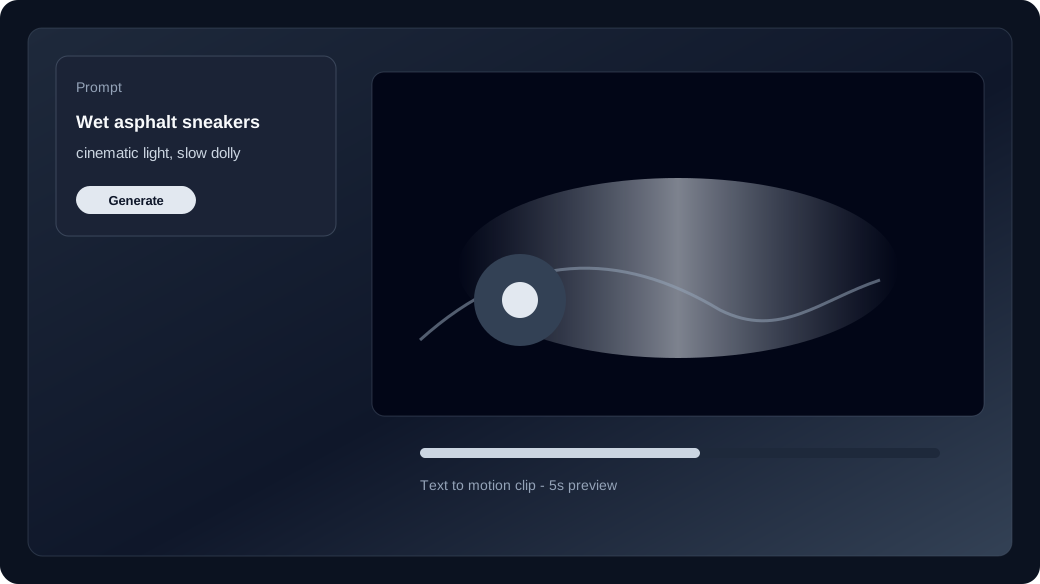
- Mode: empty media = text to video; start still = image to video.
- Price: separate credits_t2v / credits_i2v on the row.
- Controls: only options listed for that model are valid.
When should you switch families instead of rewriting the prompt?
If the move never lands after one clean generate—not a near-miss—swap the model row before you invent a longer prompt.
A near-miss deserves Recreate. A family that cannot hold camera path or identity after a tight attempt deserves a different catalog row. Use the model guide to compare strengths, then pick again in the studio. Do not stack three camera verbs hoping a weak row will suddenly travel.
How do text to video and image to video change which row you pick?
Draft concepts on a text to video–capable row with no media; lock a face or SKU on a row that supports image to video and the still you already have.
Blank canvas: choose a row priced for text to video and write one subject, one action, one camera verb. Identity lock: upload the still only after the row shows image to video support and a start-frame requirement. Series work that must keep the same person across takes still follows character consistency after the family can hold a still.
How do you avoid surprise credit burn?
Confirm the live price for the selected mode, generate once, and open pricing before you raise duration or jump to a costlier family.
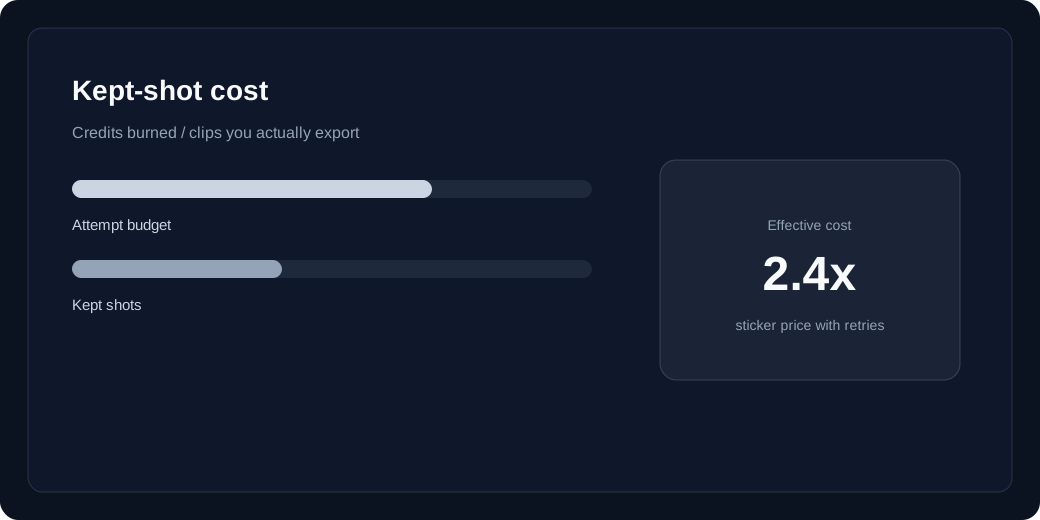
Failed jobs refund unexpired batches; a keep on the wrong family does not. Read the row’s text to video or image to video price in the studio, then check pricing and kept-shot cost before a longer second try. One intentional model choice usually beats three cheap regenerates on a row that never fit the shot.