A text to video job on the Video AI video generator fails more often from too many camera ideas than from a short prompt.
One verb of motion. One subject. Generate once. Recreate before you rewrite the whole line.
What should a text to video prompt actually name?
Name the subject, one action, one camera move, the scene, and a short avoid list—then stop.
Open text to video with empty media slots. The AI video generator samples motion from language, not from a storyboard PDF. “Slow push-in as she turns toward the window, overcast kitchen, no text on screen” is a job. “Cinematic, epic, dolly, crane, whip pan, drone, then a close-up montage” is several jobs fighting one clip.
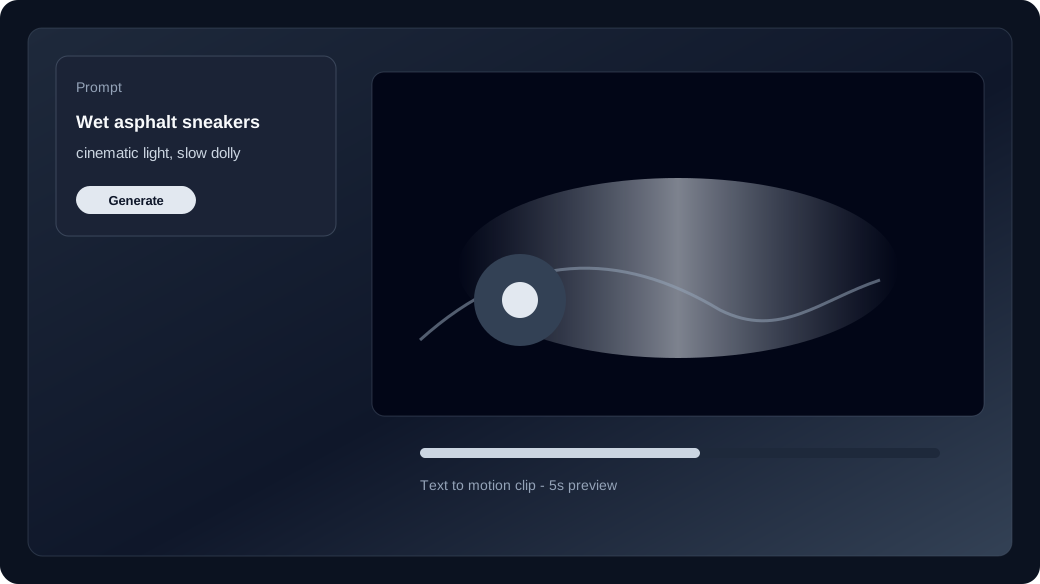
- Subject and wardrobe in one clause.
- One primary action (turn, walk, pour, look up).
- One camera verb (push-in, pan, tilt, hold, track).
- Avoid: on-screen type, extra faces, a second location.
Which camera verbs survive a short clip?
Pick a move that can finish inside the duration you selected—short holds and slow push-ins beat stacked flyovers.
Lock duration and ratio in the studio before Generate. A five-second text to video clip cannot complete a crane-up, a 180 orbit, and a smash zoom. If the family you picked is weak on camera path, swap rows in the live catalog rather than stuffing more verbs into the prompt. Compare families on the model guide when the first take slides instead of traveling.
When does image to video replace another prompt rewrite?
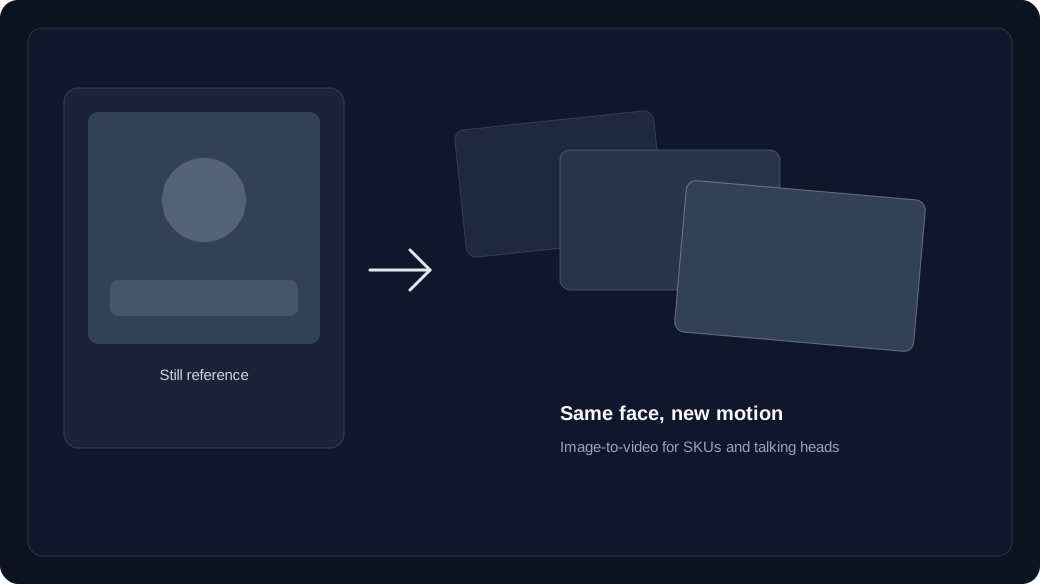
If the face, SKU, or wardrobe is already right in a still, spend the next credit on image to video instead of another text to video paragraph.
Text to video invents the frame. When the person or product must match a key, upload that still and the same AI video generator studio becomes image to video. Keep the prompt about motion and camera; do not re-describe the catalog photo. Read character consistency if the series needs the same identity across takes.
How should you spend the next credit after a near-miss?
Recreate from history with one changed clause. Check the live text to video or image to video price, then pricing, before a longer duration.
Do not start a fresh prompt that reintroduces three camera ideas. Change the verb or the avoid list, keep the model, and generate once. Failed jobs refund unexpired batches. Confirm the row price in the studio, then open pricing and kept-shot cost if you are about to raise duration or resolution.