The first clip on the Video AI video generator should prove the shot, not drain a batch.
One prompt, one model, one generate — then decide whether image to video is the next spend.
What is text to video on Video?
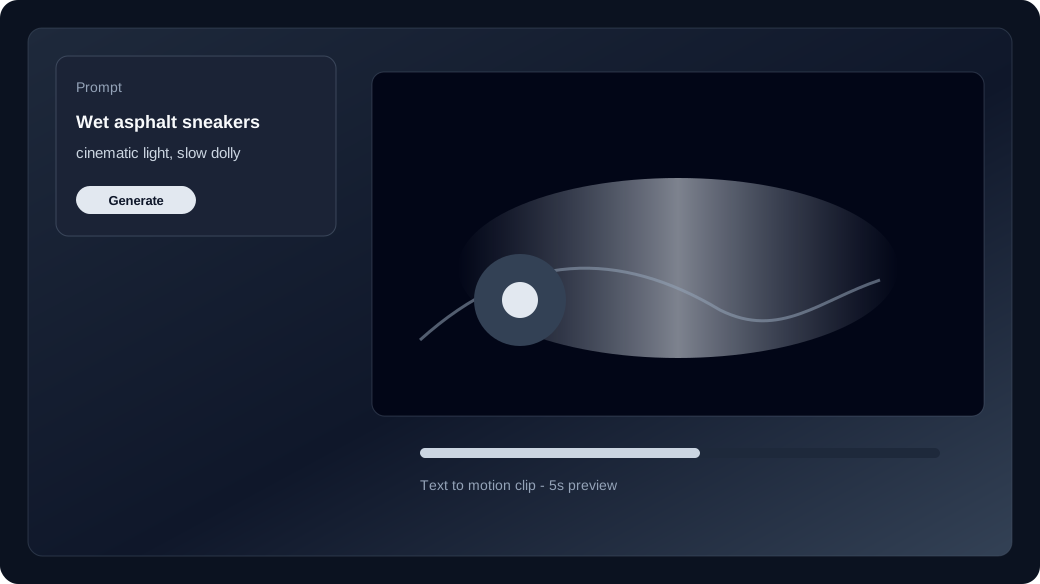
Text to video turns a written prompt into a short clip with no still required.
Open the studio with no media attached and you are in text to video. Name the subject, action, camera move, and what to avoid, then generate.
When should you switch to image to video?
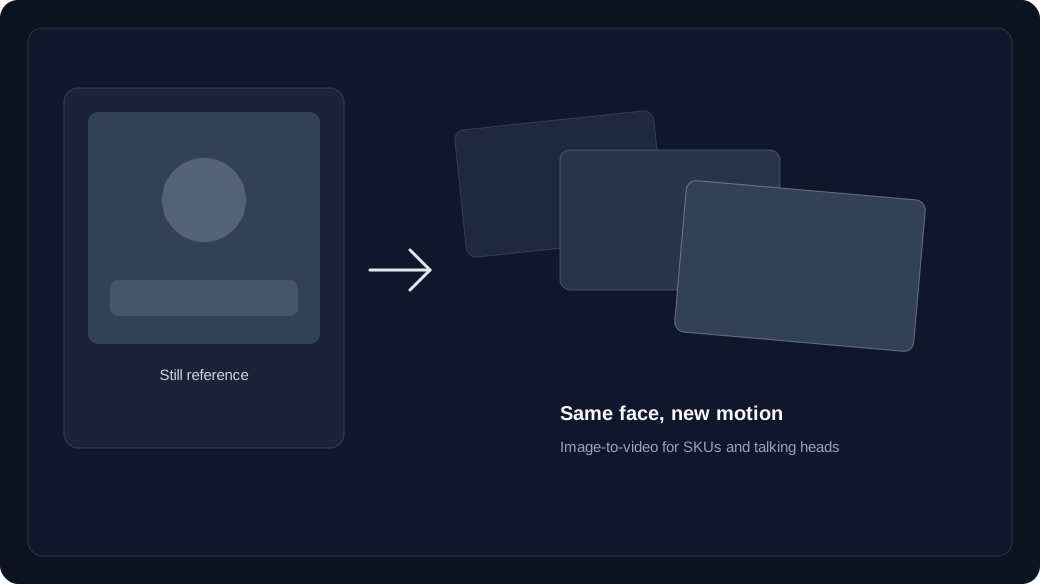
Switch to image to video when a face, wardrobe, or SKU must stay consistent.
Text to video invents the frame. Image to video starts from an upload so identity survives the take. Some models also accept an end frame.
- Text to video: hooks, B-roll, and concept drafts with no source still.
- Image to video: brand faces, products, and wardrobe that must match a keyframe.
- Failed jobs refund credits to your unexpired batches.
How do credits work on that first generate?
Each model has its own text to video and image to video price, deducted from unexpired credit batches.
Check the live price in the studio before you hit Generate. Purchases, grants, and check-in rewards sit in batches; failed generations are refunded.
How do you run the first studio session?
Lock model and duration first, generate one clip, then Recreate instead of rewriting the whole prompt.
Open /app, keep the media slots empty for text to video, generate once, and only then upload a still if identity slipped.
Start in text to video or image to video, compare families on the model guide, then check pricing and how credits work before a long run.