Video AI 비디오 생성기의 첫 클립은 배치를 소진하는 게 아니라 샷을 증명해야 합니다.
프롬프트 하나, 모델 하나, 생성 한 번 — 그다음 image-to-video가 다음 지출인지 결정하세요.
Video의 text-to-video란?
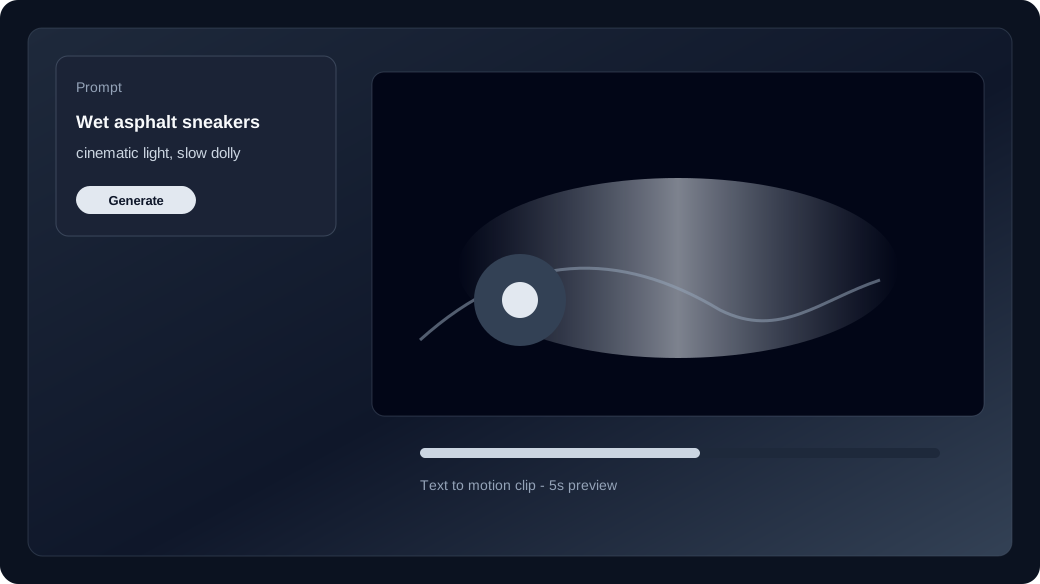
text-to-video는 스틸 없이 프롬프트로 짧은 클립을 만듭니다.
미디어 없이 스튜디오를 열면 text-to-video입니다. 피사체, 동작, 카메라, 피할 것을 적고 생성하세요.
언제 image-to-video로 전환하나요?
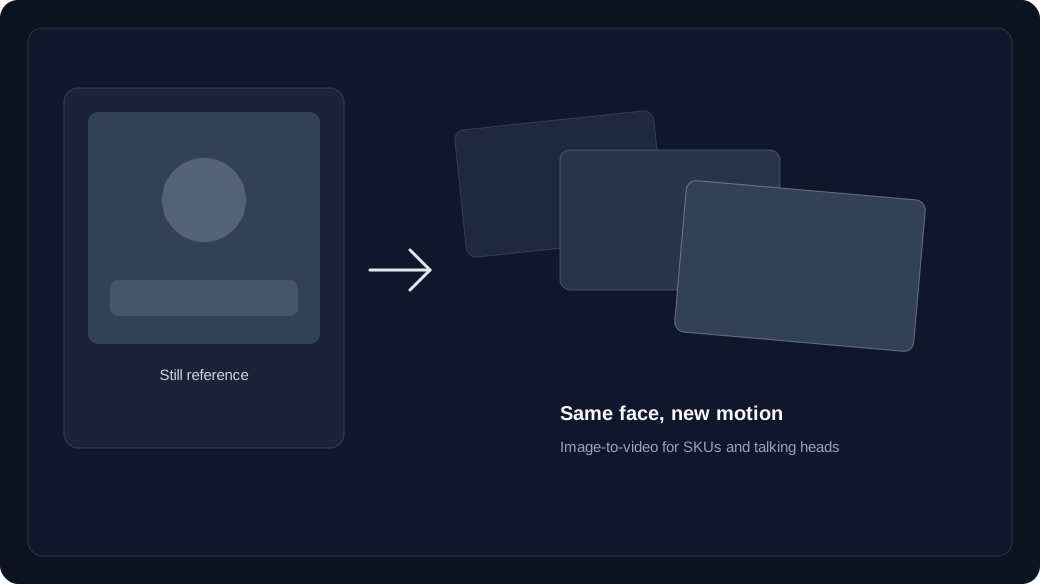
얼굴·의상·SKU를 맞춰야 할 때 image-to-video로 전환하세요.
text-to-video는 프레임을 발명합니다. image-to-video는 업로드에서 시작해 정체성이 남습니다. 일부 모델은 끝 프레임도 받습니다.
- Text to video: hooks, B-roll, and concept drafts with no source still.
- Image to video: brand faces, products, and wardrobe that must match a keyframe.
- Failed jobs refund credits to your unexpired batches.
첫 생성에서 크레딧은 어떻게 되나요?
모델마다 text-to-video·image-to-video 단가가 있고 미만료 배치에서 차감됩니다.
Generate 전에 스튜디오 실시간 가격을 확인하세요. 구매·지급·체크인은 배치에 들어가며 실패는 환불됩니다.
How do you run the first studio session?
Lock model and duration first, generate one clip, then Recreate instead of rewriting the whole prompt.
Open /app, keep the media slots empty for text to video, generate once, and only then upload a still if identity slipped.
Start in text to video or image to video, compare families on the model guide, then check pricing and how credits work before a long run.