Video AI 動画ジェネレーターでの最初のクリップは、バッチを使い果たすためではなく、ショットを証明するためにある。
プロンプト一つ、モデル一つ、生成一回 — その後に image-to-video が次の支出か判断する。
Video の text-to-video とは?
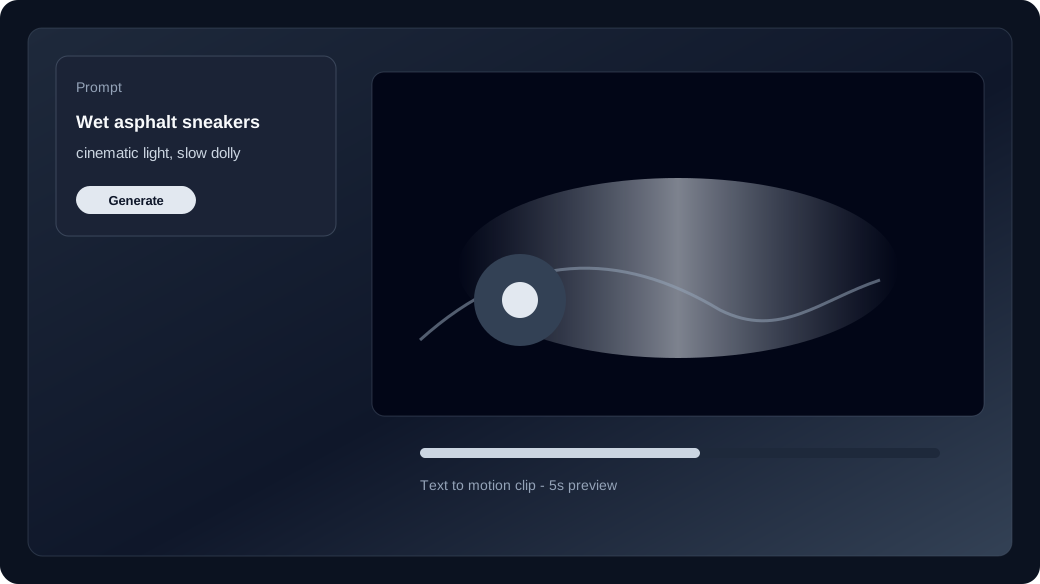
text-to-video は静止画なしでプロンプトから短いクリップを作ります。
メディア無しでスタジオを開くと text-to-video。被写体、動作、カメラ、避けることを書いて生成。
いつ image-to-video に切り替える?
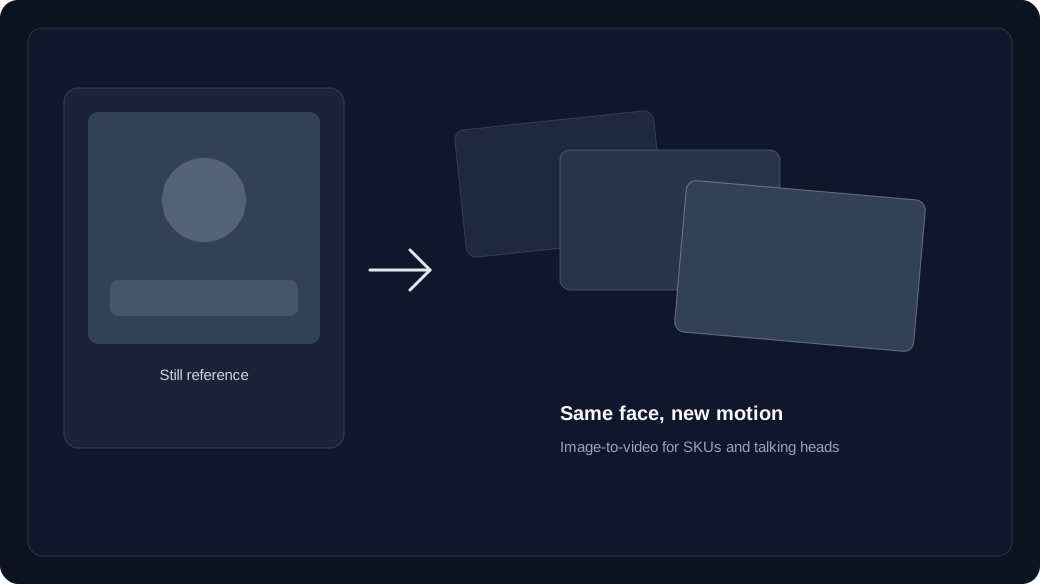
顔・衣装・SKU を揃えたいときは image-to-video へ。
text-to-video はフレームを発明。image-to-video はアップロード起点で身元が残る。一部モデルは終了フレームも可。
- Text to video: hooks, B-roll, and concept drafts with no source still.
- Image to video: brand faces, products, and wardrobe that must match a keyframe.
- Failed jobs refund credits to your unexpired batches.
最初の生成でクレジットはどう動く?
モデルごとに text-to-video / image-to-video 単価があり、未期限切れバッチから引きます。
Generate 前にスタジオのライブ価格を確認。購入・付与・チェックインはバッチに入り、失敗は返金。
How do you run the first studio session?
Lock model and duration first, generate one clip, then Recreate instead of rewriting the whole prompt.
Open /app, keep the media slots empty for text to video, generate once, and only then upload a still if identity slipped.
Start in text to video or image to video, compare families on the model guide, then check pricing and how credits work before a long run.